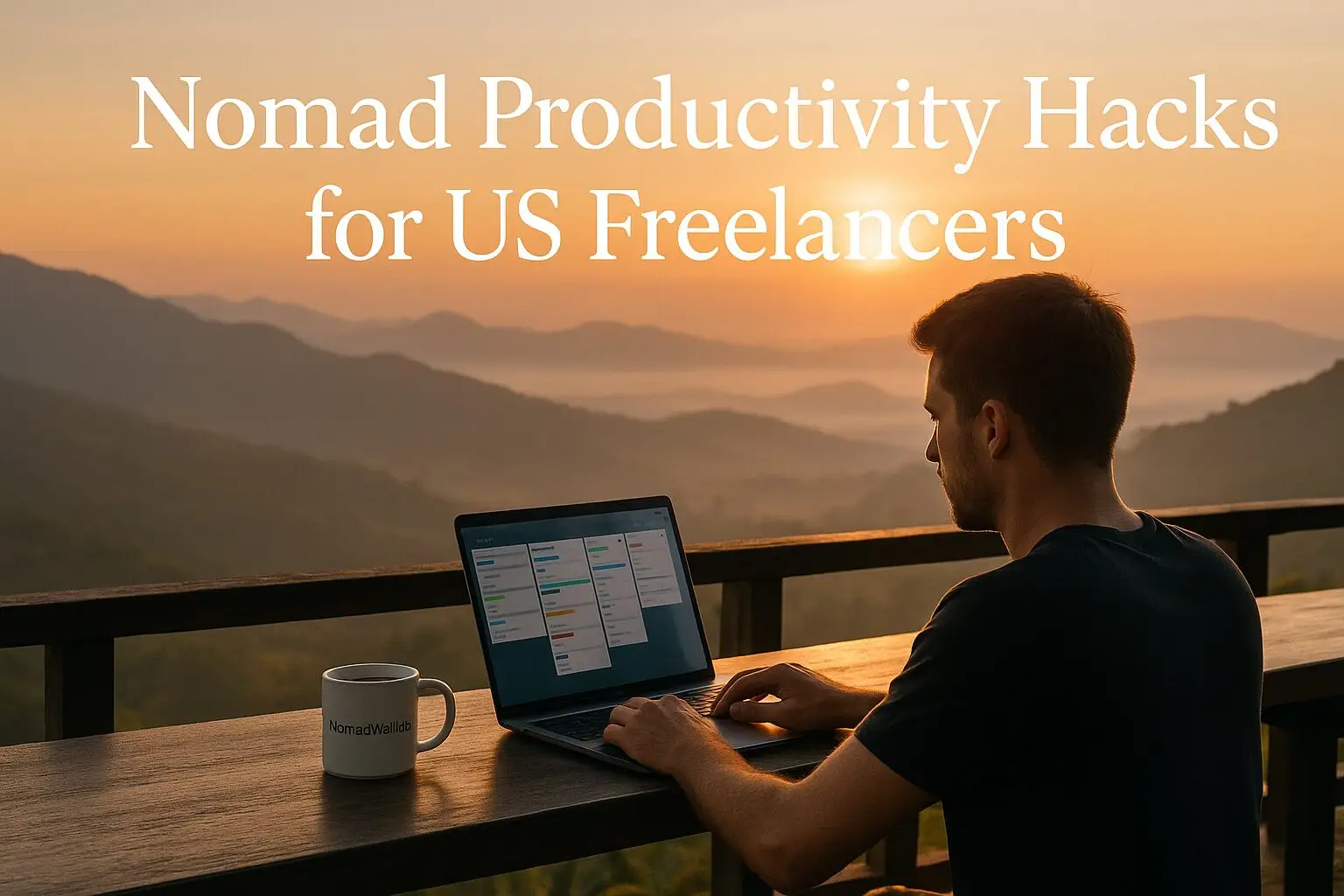
Smart systems and simple routines to help you thrive on the road.
Introduction
Being a digital nomad looks great on Instagram—coastal cafes, coworking in Bali, maybe a hammock laptop shot or two. But if you’re a US-based freelancer trying to actually get work done while you travel, you know the truth: staying productive on the move is tough.
One day, your Airbnb has terrible Wi-Fi. The next, you’re juggling client meetings across five time zones. And then there are days where the beach is calling louder than your deadlines.
That’s why building a system that works anywhere is essential. These nomad productivity hacks are here to help. Whether you’re designing websites from Lisbon or editing YouTube videos in Thailand, these tips are made for real freelancers who need real structure—without giving up freedom.
Let’s dive in.
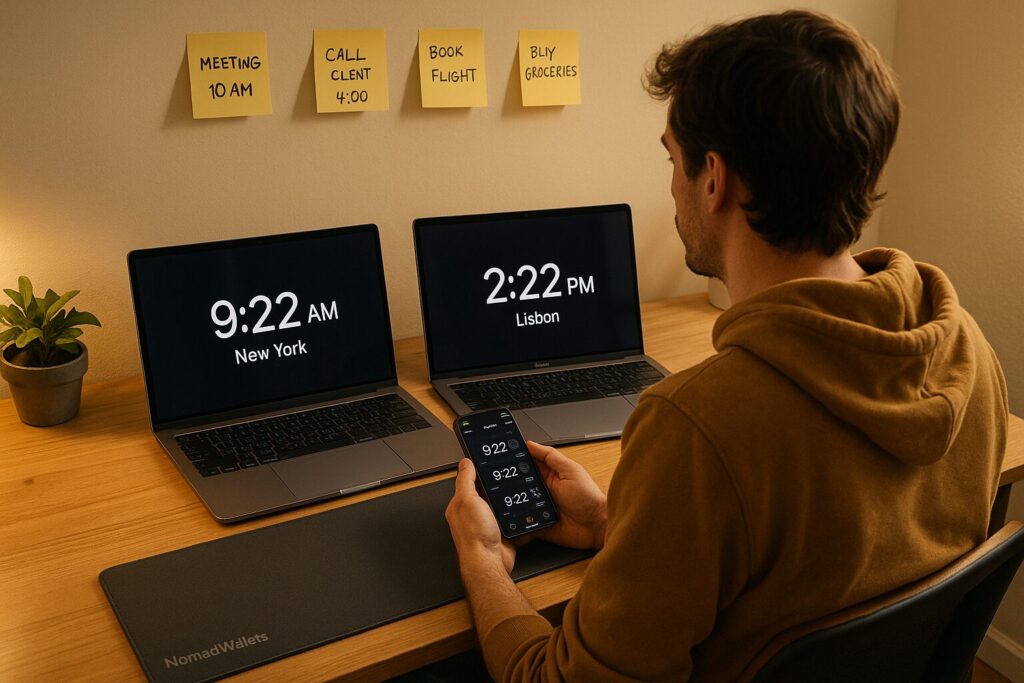
1. Time Zones Can Be Your Superpower
If your clients are mostly in the U.S., you’ll need to plan around EST or PST—even if you’re six hours ahead or ten behind.
But here’s the trick: flip the script. Instead of fighting time zones, use them.
Nomad Productivity Hack:
Work during your best mental hours, and save client communication for their workday.
Example: If you’re in Spain and your clients are on EST, you can spend the morning doing deep work—writing, designing, building. Then take calls or respond to emails in the late afternoon when their day starts.
2. Don’t Work Where You Sleep
This one’s simple but game-changing. If your “office” is your bed, you’ll never truly focus—or relax.
Nomad Productivity Hack:
Find a local coworking space, a focused café, or even just a small table by a window. Make that your work zone.
Apps like Workfrom, Coworker, or Google Maps Reviews can help you find solid Wi-Fi and quiet spaces.
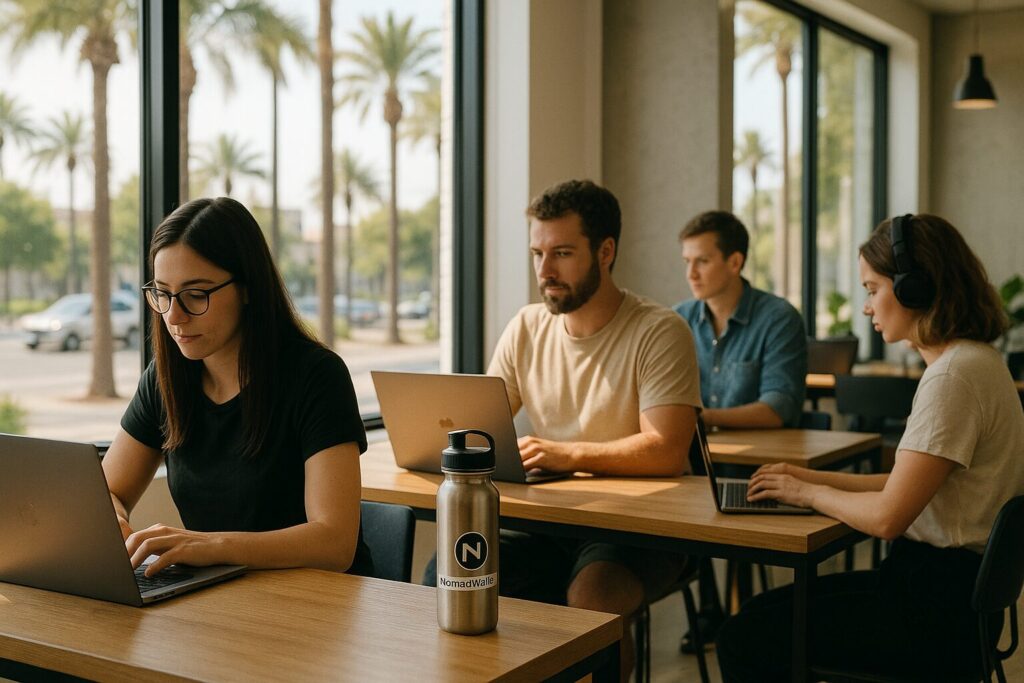
3. Build a Portable Digital Office
Your tools need to travel with you—without breaking down.
Here’s a minimalist digital stack that works anywhere:
- Google Workspace for email and files
- Notion or Trello for project tracking
- Slack or Telegram for communication
- Loom for sending async video updates
- 1Password for secure logins
- VPN for accessing U.S. sites from abroad
Once set up, this “office in your laptop” becomes one of your most reliable nomad productivity hacks.
4. Use a Fake Commute to Trigger Focus
Working from paradise? That’s great. But your brain still needs a signal that it’s time to work.
Nomad Productivity Hack:
Create a fake commute. Go for a 10-minute walk before and after your work session. Or listen to the same playlist each morning while making coffee. These tiny rituals help your brain switch gears.
5. Deep Work First, Admin Later
Your creative energy is a limited resource. Don’t waste your best hours on emails and busywork.
Nomad Productivity Hack:
Start each day with “deep work” (writing, coding, designing) and leave emails or calls for later in the day. Use time-blocking or Pomodoro sessions (25 minutes focus, 5 minutes rest) to lock in concentration.
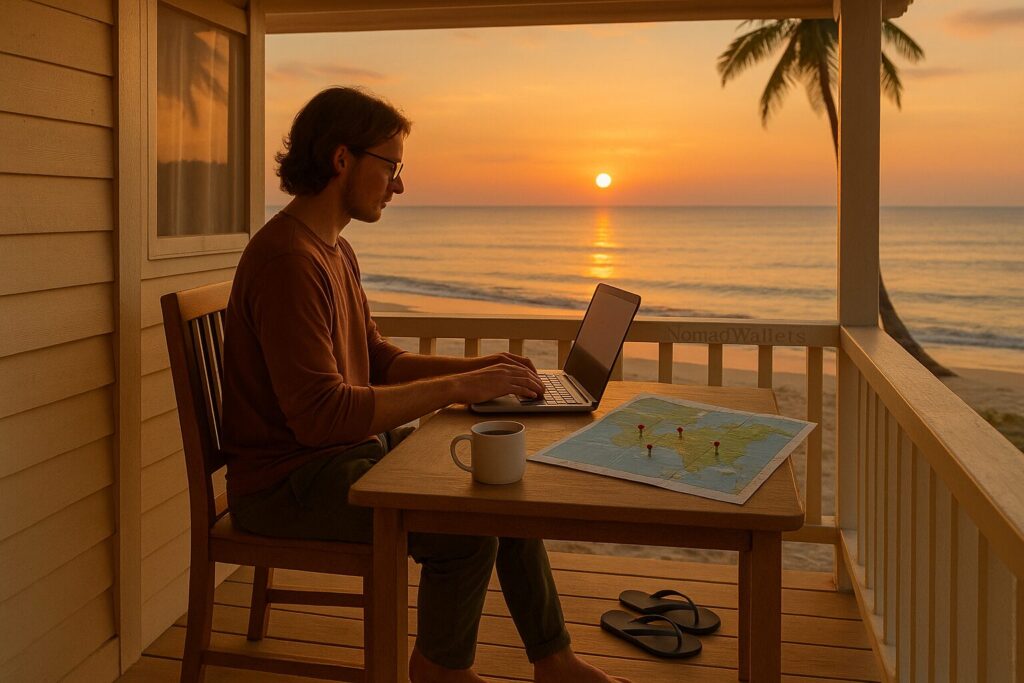
6. Travel Slower Than You Want To
Tempted to change cities every week? That lifestyle looks fun, but it crushes productivity.
Nomad Productivity Hack:
Stay 3–4 weeks minimum in each spot. You’ll get into a rhythm, find good coffee and Wi-Fi, and actually get work done.
Plus, it saves money and makes each place feel more like home.
7. Internet Insurance = Peace of Mind
If you’ve ever lost a day of work to bad Wi-Fi, you already know: internet is life.
Nomad Productivity Hack:
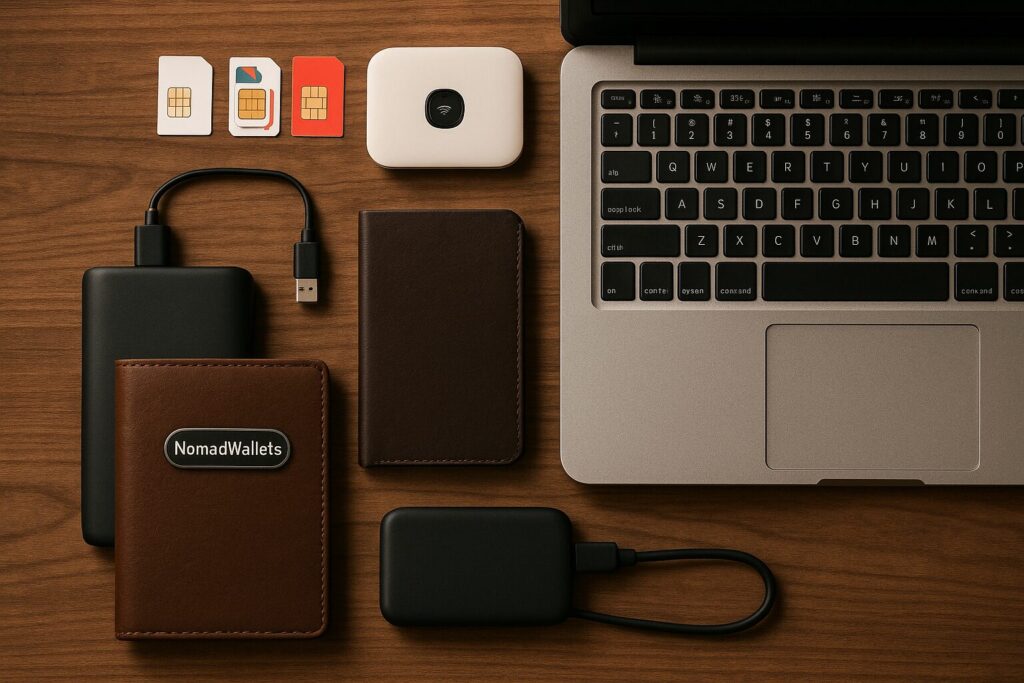
Always carry backup connectivity:
- A local SIM card with hotspot
- A portable Wi-Fi device (like Skyroam or GlocalMe)
- Offline versions of your essential tools (Google Docs, Notion)
One offline day can cost hundreds in missed deadlines. Don’t risk it.
8. Use Asynchronous Communication
If you’re constantly waiting for client calls at midnight, you’re doing it wrong.
Nomad Productivity Hack:
Set expectations with clients. Use tools like Loom, Slack, or even just thoughtful emails to update them without needing real-time meetings. This gives you flexibility and cuts down interruptions.
9. Stick to a “Core Routine,” Even If the Scenery Changes
It’s okay if your schedule shifts when you’re traveling. What matters is keeping a small daily routine you always follow.
Nomad Productivity Hack:
Create a “travel-proof” routine. For example:
- Wake up
- Meditate or journal
- Do 1–2 hours of deep work
- Take a walk or workout
- Finish admin in the afternoon
- Shut down by a fixed time
Even if you’re in Bali one week and Berlin the next, this routine keeps you grounded.
10. Batch Similar Tasks Together
Multitasking is a myth. But batching works.
Nomad Productivity Hack:
Group similar tasks together. For example, reply to all emails at once, record all content in one block, or do your invoicing every Friday.
It keeps your brain in “one mode” and helps you move faster with fewer distractions.
Best Tools for Digital Nomads: Trello vs Todoist
There’s no shortage of productivity apps out there, but if you’re freelancing on the road, not every tool works well when you’re juggling time zones, flaky Wi-Fi, and 3AM client messages.
The two tools that consistently just work for remote freelancers? Trello and Todoist.
Here’s a breakdown of both — what they’re good at, how to use them, and which one might suit your digital nomad lifestyle better.
Todoist: Minimalist Task Management That Travels Well
What is Todoist?
Todoist is a clean, fast, to-do list app that helps you organize tasks by project, priority, and due date. It’s not flashy—but that’s why it works. When you’re living out of a backpack, simplicity matters.
Key Features:
- Quick task creation using natural language (“Write client invoice every Monday”)
- Projects and sections for organizing by client or category
- Labels and filters to keep things organized
- Recurring tasks for daily routines or ongoing freelance gigs
- Karma points (a fun little gamification that rewards consistency)
Why Freelancers Use It:
Todoist is perfect for solo freelancers who want a lightweight, no-fuss way to stay on top of things—especially when bouncing between locations.
You can plan your whole week in one 15-minute session and forget about it. It’s one of the simplest nomad productivity hacks that keeps your brain clear while your schedule stays busy.
Pros:
- Fast and distraction-free
- Offline mode works great when traveling
- Natural language input is super intuitive
- Syncs across all devices
- Easy to start using in 5 minutes
Cons:
- Not ideal for collaborative/team projects
- Lacks visual task boards (like Trello)
- More powerful features (like reminders) need a paid plan
Real-Life Use Case:
You’re freelancing from Mexico City. Each morning, you check Todoist for your top 3 tasks: send a proposal, finish client edits, and update your portfolio. You knock them out in a few focused hours—then you’re free to explore.
Trello: Visual Task Boards That Make Projects Easy
What is Trello?
Trello is a kanban-style productivity tool. Think digital sticky notes that move across columns like “To Do,” “Doing,” and “Done.” It’s visual, collaborative, and highly customizable.
Key Features:
- Boards for each client or project
- Cards for individual tasks, complete with checklists, deadlines, attachments, and comments
- Labels and filters for sorting
- Power-ups for calendar view, integrations (Google Drive, Slack), and automation
- Team sharing for client visibility or team collaboration
Why Freelancers Use It:
Trello is ideal for freelancers managing multiple projects or collaborating with others (like a developer and designer duo). If you’re more visual, or love dragging tasks around, this is your jam.
It’s one of those nomad productivity hacks that helps you see the big picture at a glance—without drowning in details.
Pros:
- Great for project-based work
- Easy to share boards with clients
- Drag-and-drop simplicity
- Works well for visual thinkers
- Power-ups unlock tons of functionality
Cons:
- Can feel cluttered if you don’t keep it tidy
- Recurring tasks require workarounds or integrations
- More setup time than Todoist for simple to-do lists
Real-Life Use Case:
You’re in Lisbon working with two clients: one for web design, another for blog content. You set up Trello boards for each. Each morning, you move the cards across: write draft → send for review → done. Your clients can see progress, comment, and upload files—all in one place.
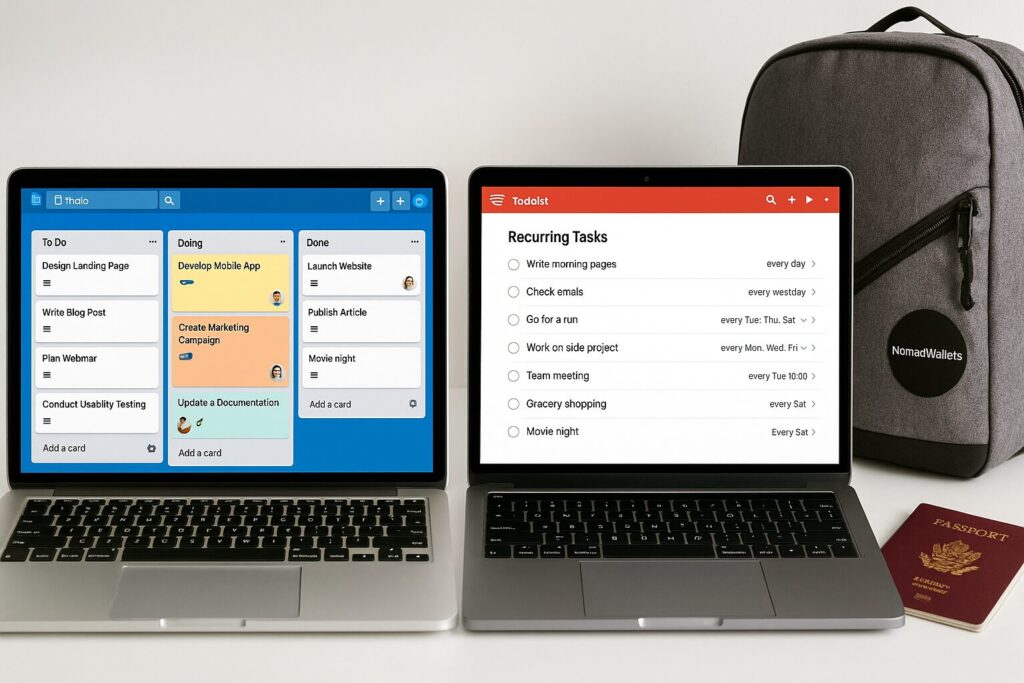
Trello vs Todoist: What’s Right for You?
| Feature | Todoist | Trello |
| Interface | List-based (simple) | Kanban-style (visual) |
| Best For | Solo task tracking | Project and team management |
| Offline Access | Yes | Yes (mobile app) |
| Learning Curve | Very low | Medium |
| Collaboration | Limited (best for solo) | Great for sharing with clients |
| Recurring Tasks | Built-in | Requires workaround or Power-Up |
| Customization | Low to moderate | High (with Power-Ups) |
| Setup Time | Minutes | More setup needed |
🙋♂️ So…Which One Should a US Freelancer Pick?
- Go with Todoist if you want a no-nonsense daily task manager. Great for routines, solo work, and staying on track while traveling light.
- Choose Trello if your projects have multiple moving parts or you work with clients who like visual updates.
Many freelancers use both:
Todoist for personal routines and errands.
Trello for client work and deliverables.
That’s the kind of flexible, hybrid setup that smart nomad productivity hacks are all about.
FAQ – Nomad Productivity Hacks for US Freelancers
Q1. What are the best nomad productivity hacks for freelancers?
Some of the most effective nomad productivity hacks include time-blocking around U.S. time zones, using digital tools like Trello or Todoist, setting a “fake commute” to trigger work mode, and batching deep work in the mornings. Slowing down travel and working from coworking spaces also boosts focus and consistency.
Q2. How can I stay productive while working remotely and traveling?
The key is to create a portable routine. Use tools that sync across devices, plan your workday in blocks, and avoid multitasking. Stick to a small set of daily habits like journaling, morning walks, or Pomodoro sessions. It’s less about working more, and more about working smarter.
Q3. Which is better for freelancers: Trello or Todoist?
Trello is great if you manage visual projects or work with clients who want to track progress. Todoist is better for solo freelancers who want a fast, distraction-free to-do list system. Many freelancers use both—Trello for projects and Todoist for personal routines.
Q4. How do digital nomads handle bad Wi-Fi or no internet access?
Always have backup plans. This includes local SIM cards with hotspot data, offline tools like Google Docs (in offline mode), or carrying a portable Wi-Fi device. Also, scout reliable coworking spaces in advance. Internet reliability is one of the biggest hidden nomad productivity hacks.
Q5. What tools do digital nomads use to manage time zones?
Apps like World Time Buddy or Timezone.io help you schedule meetings in your client’s timezone. Google Calendar also allows you to view multiple time zones side by side. It’s a small step that saves major confusion and missed meetings.
Q6. How often should digital nomads move locations to stay productive?
Slower travel tends to be better for productivity. Staying at least 3–4 weeks in each location allows you to settle in, build routines, and avoid travel burnout. Moving too frequently disrupts focus, which is why slow travel is one of the most underrated nomad productivity hacks.
Q7. Can I be a productive freelancer without working full 8-hour days?
Absolutely. Many freelancers get more done in 4–5 hours of focused deep work than in a scattered 8-hour day. The goal is high-quality output, not clocking hours. That’s the essence of most nomad productivity hacks—do more, in less time, and enjoy your freedom.
Bonus Hack: Sync with Google Calendar
Whether you use Trello or Todoist—or both—syncing with Google Calendar is a must.
This gives you a visual layout of your tasks next to your meetings, flights, and timezone changes. It’s a small move that makes a massive difference when you’re running your business across borders.
Ready to level up your freelance lifestyle?
Don’t just work remotely—work smarter, stay productive, and live freely with the right tools by your side.
🚀 Check out our free Nomad Tax & Visa Tool (coming soon…)— built to help US freelancers discover the best tax-free countries and legal work options based on your goals.
💼 Plus, subscribe to the NomadWallets newsletter for expert insights, hidden tax strategies, and productivity hacks that actually work.
You may also like :
- 50 Best Apps for Digital Nomads 2025: Websites & Tools You Need
- 101 Things That Happen When You Become a Digital Nomad

Tushar Sharma is the founder and editor of NomadWallets, where he writes about international banking, travel cards, cross-border payments, taxes, and financial tools for digital nomads and globally mobile professionals. He created NomadWallets to make global money decisions simpler through practical, research-backed guides built from official sources and real-world financial data.